 BlueCL
Browser storage
Favorites and draft combinations are stored in your browser. Clearing browser storage may remove them.

Cute Emoji organizes symbols and stickers into a multilingual browsing experience, with themed collections, guides, favorites and a combination tool.
Development complete
A community sharing expressive symbols and discovering new ways to make them their own.
Threads account metrics · October 8, 2026
Search a theme or explore published symbol collections.
Choose a symbol to copy, or build a combination in the studio.
Paste it into a post, profile or message; save favorites for later.
Explore the interface, then open the service, source code or demo using the links above. Select an image to see it in full.
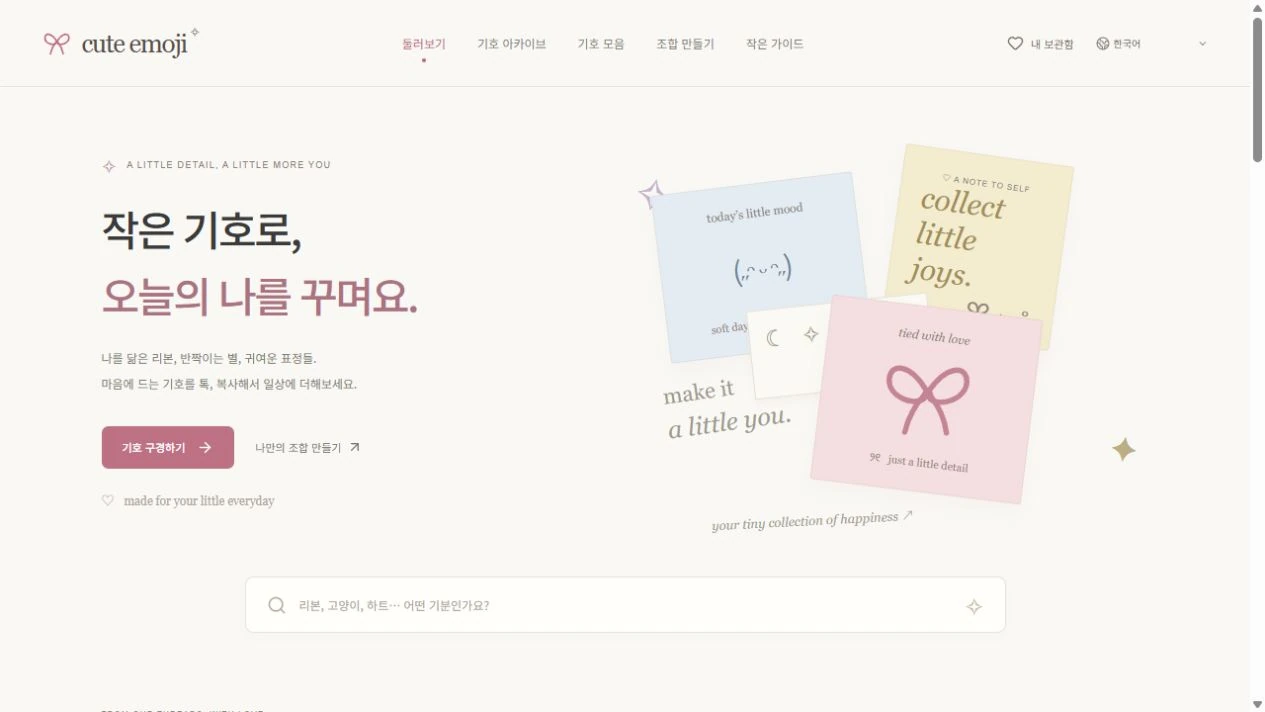
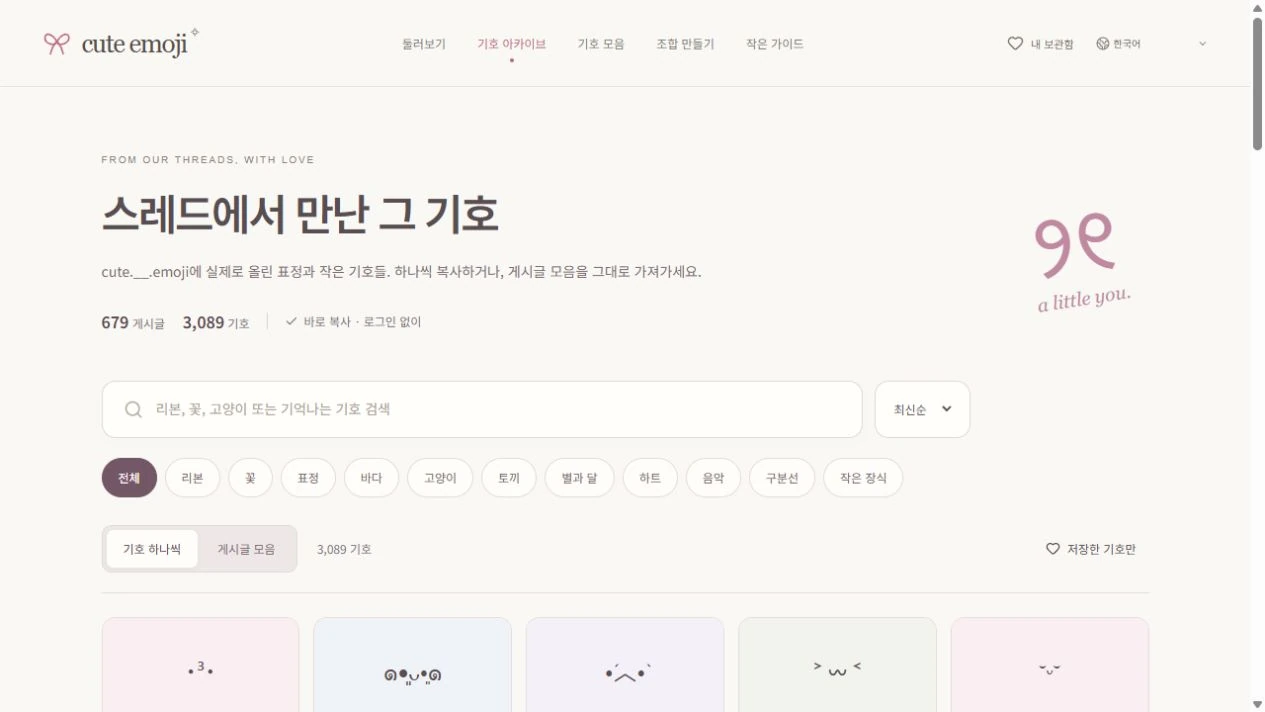
Favorites and draft combinations are stored in your browser. Clearing browser storage may remove them.
Symbols are copied as text. Their appearance depends on the font and the app where you paste them.
This is product usage guidance. The BlueCL website privacy notice covers this company website; consult the service’s own documentation for its deployed data handling. Website privacy ↗
People looking for a specific symbol often move between scattered lists and languages. Discovery, context and copying work better when they share a focused interface.
The current project documentation describes Korean, Japanese and Traditional Chinese pages, themed collections and guide content. Pages are rendered ahead of time and activated in the browser, with language-specific canonical and hreflang metadata. Favorites and combination drafts remain in browser storage.
Improve theme discovery, localized guides and the combination editor based on how people use the archive.
No. Open the service in a browser.
In this browser’s storage. They do not automatically sync across your devices.
Fonts, operating systems and the destination app can render the same character differently.
Product and source information updated: October 8, 2026